Audit preparation
Organize scope and readiness before audit day.
- Audit scope and schedule
- Checklist and response structure
- Owner and participant tracking
- Evidence links from controlled records
Platform / Audits
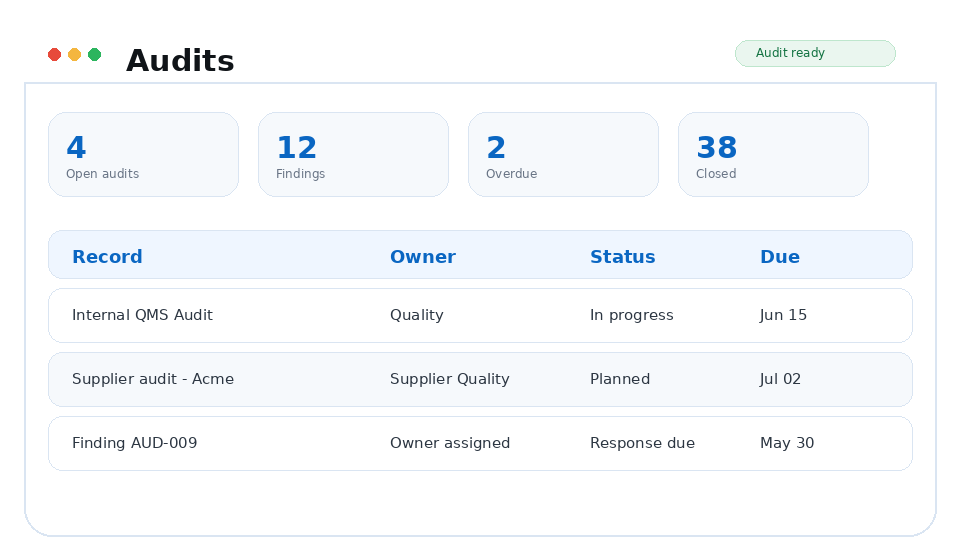
Bring the scope, questions, evidence, findings, owners, and follow-up into one audit workspace.
Why it matters
Findings stay connected to the records and actions that resolve them, so audit follow-up does not disappear into another tracker.
Capabilities
Internal auditors, supplier quality auditors, compliance managers, QA leaders, and executive sponsors preparing for inspections.
Organize scope and readiness before audit day.
Capture responses, observations, attachments, and objective evidence.
Make sure audit outputs become controlled work.
Workflow
Each TrackerQMS platform area is designed to create usable evidence as work happens, not after someone manually reconstructs the story for an audit.
Define the audit scope, participants, checklist, and expected evidence.
Record responses, attach evidence, and capture observations or findings.
Assign corrective actions, monitor due dates, and preserve closure evidence.
Business outcomes
Connected platform
FAQ
Prepare, run, and close audits without rebuilding the evidence trail every time.
Audits connects with Documents, Supplier Quality, Quality Events, Compliance so quality evidence stays linked across the QMS.
TrackerQMS Platform
See how the module fits into the rest of your quality process and the work your team already manages.